๐Ÿ‘๏ธ EPIC VISION MAP OLED CINEMA
๐ŸŽฏ Mask Arena
Checking ComfyUI...
STEP 1

Subject Ingestion & Clean 3D Mask

Upload any raw object photo or select an existing 3D white matte mask.

Auto-Isolate Subject & 16:9 Black Canvas (Strips Room/Background)
๐Ÿ“ธ
Drop Subject Photo Here or click to browse files (JPEG, PNG, WEBP)
๐ŸŽฏ Open Mask Arena
Selected: Front Elephant on Black.png
STEP 2

Keyframe Style Architect

Apply projection mapping themes and generate styled 1080p keyframes.
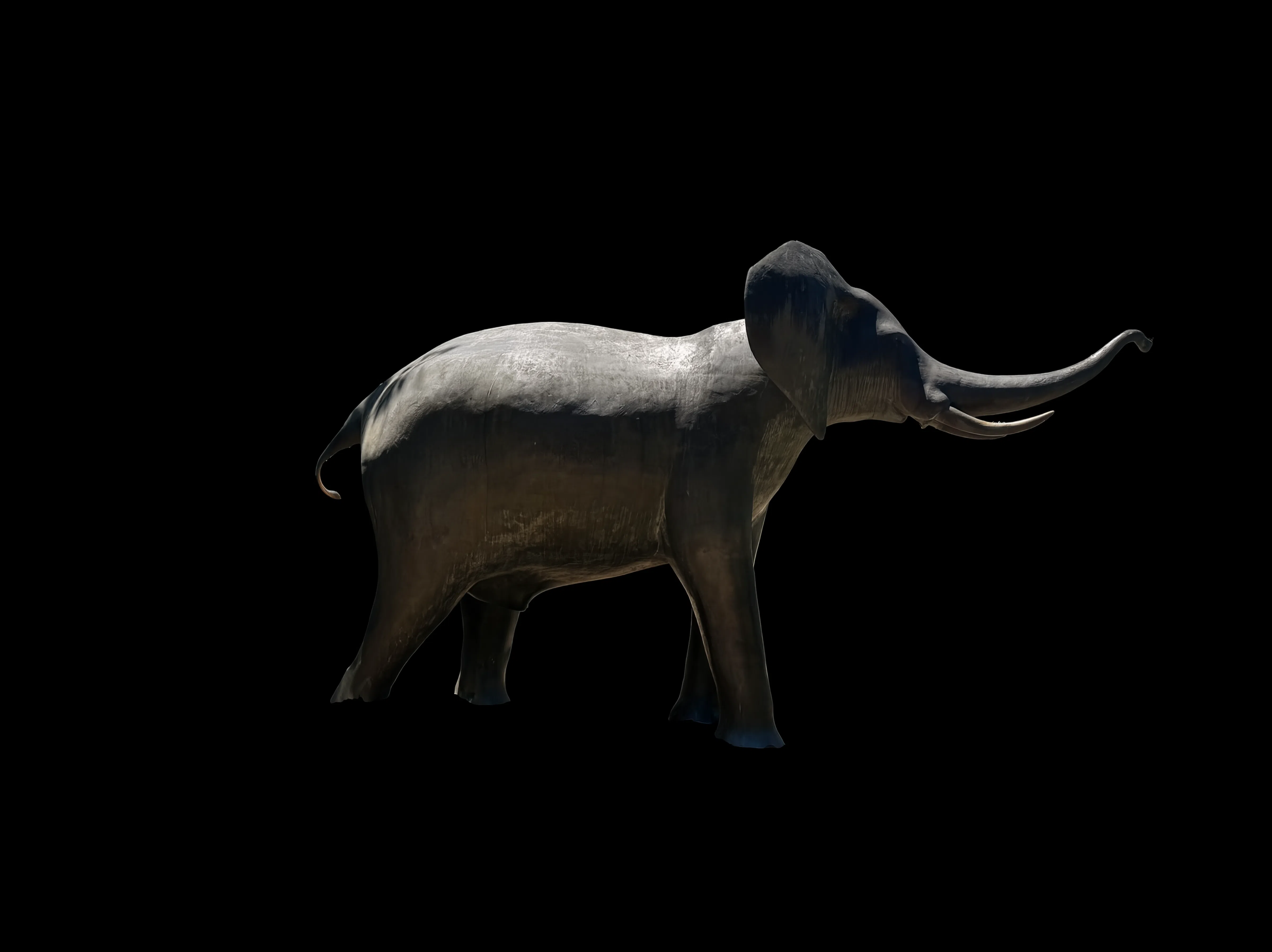
Base Mask
Active Base Mask: Front Elephant on Black.png
0.8x (Loose) 1.1x (Perfect Lock) 1.5x (Strict)
STEP 3

Keyframe Variations Gallery

Swipe or browse keyframes (8 in view) and tap to select your video starting anchor.

0 Keyframes
๐ŸŽจ

No Keyframes Rendered Yet

Select your base mask in Step 1 & 2, then click Generate 1080p Keyframes to start!

STEP 4

LTX-Video Projection Mapping Cinema

Generate rigid, stationary 1080p video with hypnotic animated internal lights.

Active Keyframe Anchor
No keyframe selected. Tap any card in Step 3 above!
0.2x (Wild Motion) 0.45x (Dynamic) 1.5x (Rigid)
3s (Fast) 5s (Optimal) 8s (Long)
๐Ÿ”’
Sculpture Motion Lock: Active Zero limb/camera shift. Only internal glow, rays, and shaders animate.
๐ŸŒ™
Overnight Batch Mode Render up to 6 keyframes ร— 15 videos each (90 total clips) in The Overnight suite.

Recent 1080p Masters

Last 3 Masters

๐ŸŒ™ The Overnight Master Batch Cinema

Select up to 6 keyframes to produce 15 videos each (90 video clips โ€ข ~12 min of 1080p projection footage) while you sleep.

Queue Ready
๐Ÿ–ผ๏ธ

1. Select Keyframes

0 / 6 Selected

Pick 1 to 6 keyframes from your gallery to animate overnight with diverse dynamic seeds.

Loading keyframes...
โš™๏ธ

2. Production Target & Settings

15 Clips (8s each = 2.0 min/KF)
Master Clip Duration: 8.0 Seconds (193 Frames @ 24fps)
Base 3D Silhouette Mask: Auto-Linked Base Mask
Prompt Engine: โœจ Gemini 3.7 Flash (3.6 Fallback)
Matte Black Clamping: ๐Ÿ–ค Pure RGB (0,0,0) Lock
๐Ÿ”€ Gemini 3.7 Motion Matrix: 10 Diverse Flavors
Universal Projection Optics:
๐ŸŒŠ Ethereal Crawl โšก Energy Surges ๐ŸŒŒ Liquid Nebula ๐Ÿ”ฎ Crystal Facets ๐Ÿ’ฅ Explosive Bloom
Thematic Subject-Aware Dynamics:
๐ŸŽญ Thematic Motifs ๐ŸŒซ๏ธ Thematic Weather ๐ŸŒฟ Material Morph โš™๏ธ Rhythmic Pulse โœจ Signature Flourish
1.10x (Stationary Anchor)
Selected Keyframes 0
1080p Master Clips 0 Clips
Total Master Footage 0.0 Min
Estimated Render Time ~0.0 Hrs

Overnight Queue Monitor

Idle
Waiting to launch overnight queue... 0%
Queue Position: 0 Active
Completed Clips: 0 Clips
Est. Completion: --
๐ŸŽฌ

Overnight Master Library

Continuous 1080p projection video loops rendered across your batch keyframes.

๐ŸŽจ The Overnight โ€” Custom Theme-Directed AI Cinema

Enter your custom theme or motion phrase. Google Gemini will analyze your keyframes and synthesize focused LTX-Video prompts to animate your batch while you sleep.

Custom Queue Ready
โœ๏ธ

1. Custom Theme & Motion Directive

Google Vision Architect

Describe your theme, story, or visual flavor. Gemini will study your selected keyframes and author customized prompts for each render.

๐Ÿ–ผ๏ธ

2. Select Keyframes

0 / 6 Selected

Pick 1 to 6 keyframes. Gemini will apply your custom theme uniquely to each selected image.

Loading keyframes...
โš™๏ธ

3. Production Target & Batch Size

10 Clips (8s each = 1.3 min/KF)
Master Clip Duration: 8.0 Seconds (193 Frames @ 24fps)
Base 3D Silhouette Mask: Auto-Linked Base Mask
Prompt Engine: ๐Ÿ”ฎ Gemini 3.7 Vision Theme Synthesizer
Matte Black Clamping: ๐Ÿ–ค Pure RGB (0,0,0) Lock
1.10x (Stationary Anchor)
Selected Keyframes 0
1080p Master Clips 0 Clips
Total Master Footage 0.0 Min
Estimated Render Time ~0.0 Hrs

Custom Overnight Monitor

Waiting to launch custom overnight queue... 0%
Queue Total: 0 Active
Completed: 0 Clips
Est. Time Left: --
๐ŸŽฌ

Rendered Video Library

1080p projection video loops rendered across your custom theme batches.

๐Ÿ”„ Keyframe Transitions Start โž” End Morph Cinema

Select your 3D base mask, pick Start and End keyframes, and let Google Gemini author fluid morph diffusion prompts for stationary projection mapping.

Transition Ready
๐Ÿงผ

1. Select 3D Base Mask

Mask Selected

Choose the physical 3D silhouette mask that clamps all internal projection energy to the subject boundary.

Mask
Active Projection Mask: Loading Mask...
Loading available masks...
๐ŸŽฌ

2. Select Start & End Keyframes

2 Frames Required

Choose which keyframe initiates the render (Start Frame) and which keyframe it fluidly morphs into (End Frame).

๐ŸŸข Start Frame (0.0s)
Click a keyframe below
No Start Frame Selected
Morph
๐Ÿ End Frame (8.0s)
Click a keyframe below
No End Frame Selected
Currently Picking:
Loading keyframes...
โœ๏ธ

3. Transition & Morph Directive

Google Vision Morph

Describe how the start keyframe should transform into the end keyframe (e.g. lighting caustics, elemental shift, material dissolving).

โš™๏ธ

4. Transition Production Settings

3 Morph Variations (8s each)
Master Clip Duration: 8.0 Seconds (193 Frames @ 24fps)
Base 3D Silhouette Mask: Auto-Linked Base Mask
Prompt Engine: ๐Ÿ”ฎ Gemini 3.7 Vision Morph Architect
Matte Black Clamping: ๐Ÿ–ค Pure RGB (0,0,0) Lock
1.10x (Stationary Anchor)
Start โž” End Pair Not Set
1080p Master Clips 3 Clips
Total Footage 0.4 Min
Est. Render Time ~0.2 Hrs

Transition Queue Monitor

Waiting to launch keyframe transition... 0%
Queue Total: 0 Active
Completed: 0 Clips
Est. Time Left: --
๐ŸŽฌ

Rendered Video Library

1080p projection morph loops rendered across your start and end frames.

๐ŸŽฌ DaVinci Resolve Master Studio MCP Timeline Bridge

Auto-assemble master projection reels, extend clip duration via Optical Flow, and apply seamless Fade-to-Black dissolves directly in DaVinci Resolve Studio.

Checking Resolve...
๐ŸŽž๏ธ

1. Select Projection Clips to Sequence

0 Clips

Choose which 1080p rendered clips will be imported and placed sequentially on Video Track 1 in DaVinci Resolve.

Loading clips...
โฑ๏ธ

2. Speed Retiming & Clip Extension

Optical Flow

Multiply the duration of your 8s clips into ultra-smooth slow-motion projection loops using DaVinci's Optical Flow vector interpolation.

๐Ÿ’ก Vector Motion Synthesis: DaVinci Resolve uses AI optical flow vectors to generate new in-between frames for continuous fluid motion without stutter.
โœจ

3. Cut Transitions & Silhouette Matte

Zero Edge-Bleed

Select how consecutive clips blend into each other on the timeline.

๐Ÿš€

4. Timeline Name & Export

Auto-Build
Clips: 0
Speed: 50% (2x)
Master Length: 0.0s
๐Ÿ–ฅ๏ธ

DaVinci Resolve Connection & Project Inspector

Live IPC

Real-time status of the local DaVinci Resolve Studio engine and active project database.

Process State: Detecting...
Active Project: -
Timelines Count: -
Checking DaVinci Resolve status...
๐Ÿ“–

One-Time Setup Guide (DaVinci Studio)

1. Open DaVinci Resolve Studio on your PC.
2. Click DaVinci Resolve โž” Preferences in the top menu bar (or press Ctrl + ,).
3. Select System โž” General tab on the left.
4. Set "External scripting using" from None to Local.
5. Click Save. You're ready to build timelines with 1 click!

๐ŸŽž๏ธ Master Video Cinema Archive 0 Videos

Scrollable high-resolution gallery of all rendered projection mapping clips, passes, and masters.

๐Ÿ”
Loading full video archive...

๐Ÿ“‹ Live Pipeline & Render Queue 0 In Queue

Real-time status of all active renders and pending projection jobs lined up in ComfyUI.

โšก Active Render
Idle
Engine ready for next render
โณ Lined Up in Queue
0 Jobs
0 pending renders waiting
๐Ÿ’พ GPU VRAM Available
8.0 GB
RTX 3070 โ€ข Safe allocation
โฑ๏ธ Est. Queue Time
0 min
Based on pipeline averages

Currently Executing on GPU

Node: Idle
โšก
ComfyUI Engine is Idle
No jobs are currently rendering on the GPU. Submit a prompt or overnight batch to begin.

๐Ÿ“‹ Lined Up in Queue (0)

Jobs execute automatically in sequential order
โœจ
Queue is Clear
There are no pending jobs waiting in line.

๐Ÿ•’ Recently Completed & Dispatched

Loading recent history...

๐Ÿ“ Unified Canvas Multi-Angle Thematic Unison

Extend an existing Keyframe theme (Angle A) to a second angled surface (Mask B) on a shared 3840x1080 canvas. Generates seamless lighting, material, and geometric continuity for multi-projector MadMapper setups.

Canvas Ready
๐Ÿ‘‘

1. Select Keyframe A (Style Anchor)

Anchor Selected

Choose the primary rendered keyframe whose shaders, lighting vectors, and materials will be extended to the second angle.

Keyframe A
Angle A (Frozen Anchor): Select a Keyframe below...
Loading keyframes...
๐Ÿงผ

2. Select Mask B (Angle B Target)

Target Mask

Select the 3D white matte silhouette of the adjacent surface, angled wing, or second projector facet.

Mask B
Angle B (Target Inpaint Zone): Select a Mask below...
Loading clean masks...
๐Ÿง 

3. Thematic Unison Controls

0 px (Exact Edge)
Feathering width across the 1920px boundary between Viewport A and Viewport B.
๐Ÿ–ฅ๏ธ

Unified 3840 x 1080 Dual Canvas

3840 x 1080 โ€ข Dual 16:9

Viewport A (Left 1920px) is frozen as the lighting/shader anchor. Viewport B (Right 1920px) is actively synthesized in unison.

๐Ÿ‘‘ ANGLE A: KEYFRAME (LOCKED ANCHOR)
SEAM BOUNDARY
โœจ ANGLE B: MASK (UNISON DIFFUSION ZONE)
Unified Dual Canvas
๐Ÿ“ Select Keyframe A and Mask B to assemble unified 3840x1080 stage
๐ŸŽ

Synthesized Unison Outputs (MadMapper Suite)

Surface A (1920x1080) Projector 1
Angle A
โฌ‡ Download Angle A
Surface B (1920x1080) Projector 2
Angle B
โฌ‡ Download Angle B
Dual-Head Master (3840x1080) Wide Master
Dual-Head Master
โฌ‡ Download 3840x1080 Master
โœจ

Studio AI Concierge

Gemini 3.7 Flash
๐ŸŸข Live Hardware & Queue Aware
โœจ

๐Ÿ‘‹ Welcome to Studio AI Concierge!

I'm powered by Gemini 3.7 Flash with direct, real-time read-only access to your ComfyUI queue, active render stages, GPU/VRAM telemetry, and video library.

Ask me anything about your current jobs, queue times, hardware status, or projection mapping workflows!